
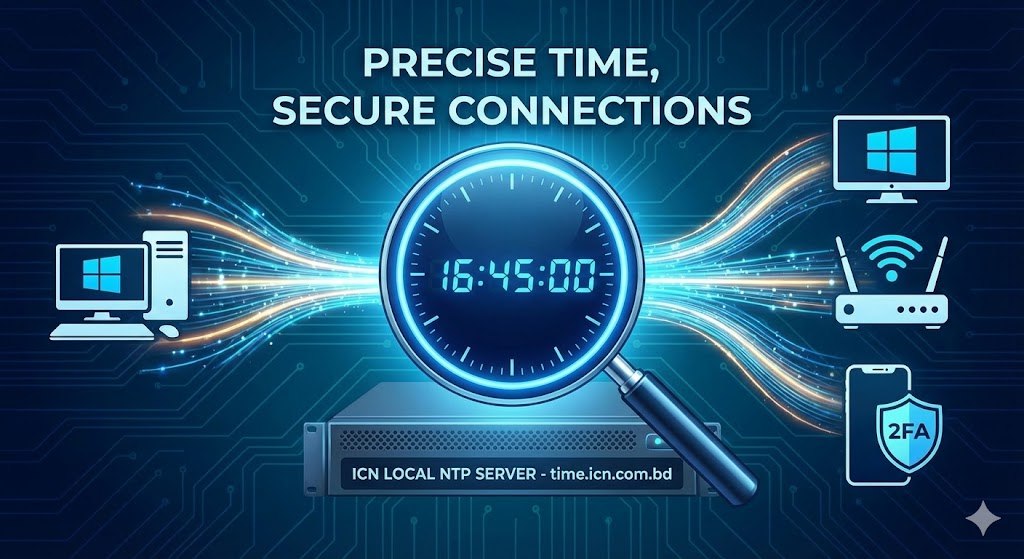
Did you know that if your computer’s clock is off by just a few seconds, it can break your internet experience?
From “Invalid Certificate” errors on secure websites to Two-Factor Authentication (OTP) codes failing on your phone, precise time is critical for modern security.
At Ideal Communications Network, we have deployed a dedicated Network Time Protocol (NTP) Server locally within our datacenter to solve this for you.
Why Use the ICN Time Server?
Most devices default to using time servers in the US or Europe (like time.windows.com). By switching to our local server, you get:
- Instant Sync: No latency delays. Your device talks directly to our server in Ishwardi, not a server across the ocean.
- Fix 2FA Issues: Ensures your One-Time Passwords (OTP) generate correctly every time.
- Better Gaming & Security: Accurate timestamps are vital for secure connections and verifying gaming logs.
Note: This service is exclusive to ICN subscribers and only works inside our network.
⚙️ Configuration Details
Server Address: time.icn.com.bd
Port: 123 (Standard UDP)
How to Setup
Method 1: On Your Windows PC
- Right-click your Clock in the taskbar and select “Adjust date/time”.
- Scroll down to “Related settings” and click “Date, time, & regional formatting”.
- Click “Additional date, time, & regional settings” (or “Set the time and date” in Control Panel).
- Go to the “Internet Time” tab.
- Click “Change settings…”.
- Check “Synchronize with an Internet time server”.
- In the Server box, type:
time.icn.com.bd - Click Update now. You should see “The clock was successfully synchronized”. Click OK.
Method 2: On Your Router (TP-Link / Tenda / MikroTik)
Setting this on your router is the best method because it ensures all devices on your WiFi (phones, tablets, smart plugs) get the correct time automatically.
- Log into your router (usually
192.168.0.1or192.168.1.1). - Look for System Tools or Time Settings in the menu.
- Check the box for NTP Client or “Get Time Automatically”.
- Set NTP Server 1 to:
time.icn.com.bd - Save and Reboot your router.
Get paid for every referral—enroll in our affiliate program!
Share your unique link and cash in—join now!